
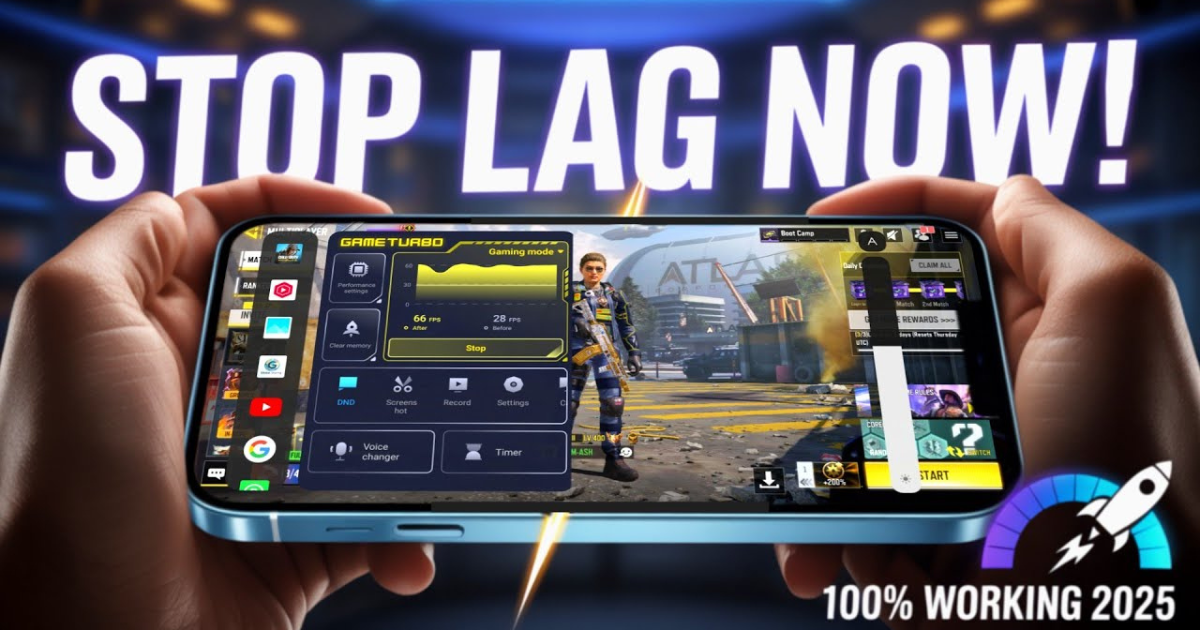
Few things are more frustrating for mobile games than lag — that annoying delay that ruins perfect headshots, mistimed jumps, or slow movement in online matches. Whether you’re playing PUBG Mobile, Call of Duty Mobile, Mobile Legends, or Genshin Impact, lag can turn an epic gaming session into pure rage.
In this guide, we’ll explain why mobile games lag and share proven tips to fix it — so you can enjoy smooth, uninterrupted gameplay.
What Causes Lag in Mobile Games?
Lag can happen for several reasons, including:
-
🔻 Weak or unstable internet connection
-
🔋 Low device performance (RAM or CPU overload)
-
🌡️ Overheating
-
💾 Storage almost full
-
📱 Background apps eating bandwidth or memory
-
🧩 Poorly optimized game settings
Understanding the cause is the first step to solving the problem.
Step-by-Step Tips to Reduce Lag in Mobile Games
1. Improve Your Internet Connection
If you play online games, lag often comes from your network.
Try these:
-
Use Wi-Fi instead of mobile data.
-
Keep close to your router for a stronger signal.
-
Avoid playing while others stream or download large files.
-
Switch to a 5GHz Wi-Fi band for faster speeds.
-
Consider a gaming VPN to stabilize ping (for example, when connecting to distant servers).
2. Close Background Apps
Apps running in the background use up RAM and CPU resources.
Before gaming:
-
Close all unused apps.
-
Turn on “Game Mode” or “Performance Mode” if your phone supports it.
-
Use built-in RAM booster tools to free up memory.
3. Adjust In-Game Settings
Many games let you tweak graphics and performance options.
To reduce lag:
-
Lower graphics quality (set to Medium or Low).
-
Reduce frame rate if your device struggles.
-
Turn off anti-aliasing and motion blur.
-
Disable shadows and high-resolution textures.
Balancing visuals and smoothness gives the best experience.
4. Free Up Storage Space
Low storage can slow down both your phone and your games.
Try to:
-
Keep at least 2–4 GB of free space.
-
Delete unused apps, videos, and old game data.
-
Move media files to the cloud or SD card.
5. Prevent Overheating
When your device overheats, it throttles performance.
Keep it cool by:
-
Avoiding gaming while charging.
-
Playing in a cool, ventilated place.
-
Removing your phone case during long gaming sessions.
-
Taking breaks every hour to let your device rest.
6. Update Your Game and Device
Outdated apps can cause performance issues.
Make sure you:
-
Update your game to the latest version.
-
Keep your Android/iOS software up to date.
-
Check for graphics driver updates if your phone supports them.
Updates often include bug fixes and better optimization.
7. Disable Battery Saver Mode
Battery Saver limits your phone’s performance to extend battery life.
Before gaming, make sure Battery Saver or Power Saving Mode is turned off.
If possible, switch to Performance Mode for smoother gameplay.
8. Use Game Booster Apps
Many modern phones come with a built-in game booster (e.g., Xiaomi Game Turbo, Samsung Game Launcher).
These tools:
-
Boost CPU and GPU performance
-
Block background notifications
-
Optimize network usage
You can also use third-party boosters like Game Booster 4x Faster or Panda Game Booster (trusted apps only).
9. Choose the Nearest Server
For online multiplayer games:
-
Select a server closest to your region to lower ping.
-
Avoid switching between Wi-Fi and mobile data mid-game.
-
Some games show ping in milliseconds (ms) — aim for less than 100ms for smooth play.
Bonus Tips
-
Restart your phone weekly to clear temporary files.
-
Use a wired Ethernet adapter (for phones that support it) for maximum stability.
-
Avoid background downloads or updates while gaming.
Final Thoughts
Lag can ruin your fun, but it’s not unavoidable. By optimizing your device performance, internet connection, and in-game settings, you can make any mobile game run smoother — even on budget phones.
Follow these tips, and you’ll enjoy faster reactions, better control, and more victories in your favorite mobile games.